

Do you spend hours on LinkedIn not knowing what to comment on your prospects’ posts? Or worse, do you leave “Great post!” comments that trigger no conversation? That’s exactly the problem Engage AI claims to solve. This Chrome extension analyzes your prospect’s post in real time and generates several relevant, smart, on-brand comments, in seconds. But is it really effective, or another gadget? We dug in to give you an honest verdict.
Table of contents
What is Engage AI?
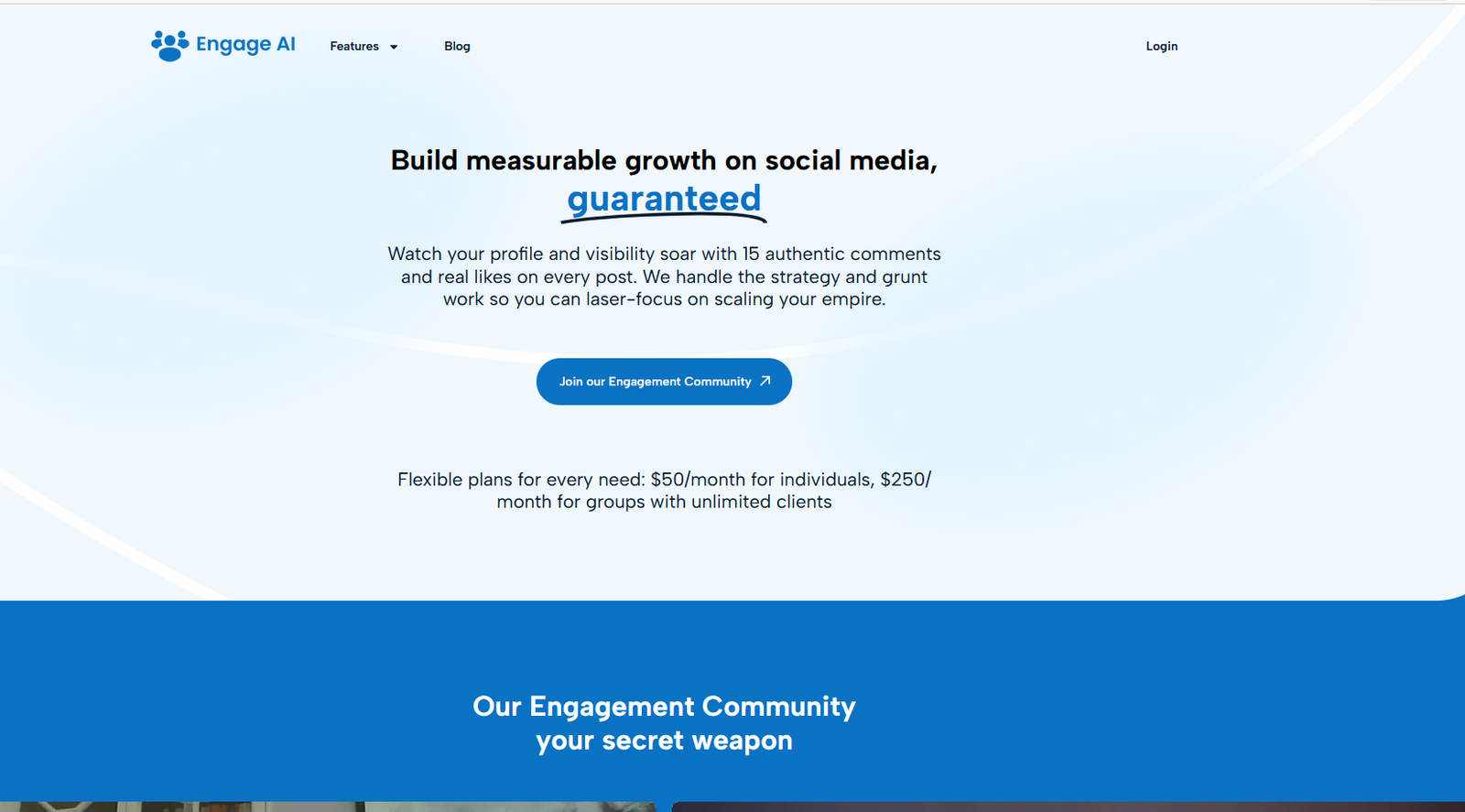
Engage AI (engage-ai.co) is a Chrome and Edge extension developed by Filt Pod, dedicated exclusively to LinkedIn. Its goal is simple: help sales reps, consultants and B2B entrepreneurs intelligently comment on their prospects’ posts to build relationships, boost visibility in the LinkedIn algorithm, and trigger conversations that lead to meetings.
The tool is powered by OpenAI GPT and Google Gemini. It integrates directly into the LinkedIn interface: as soon as you open a comment field, the Engage AI button appears. You pick one of 9 predefined tones (or a custom tone), and the AI generates 3 contextual comment suggestions ready to insert or edit.
Engage AI is also available on Microsoft AppSource and Azure Marketplace, making it accessible to corporate teams via their Microsoft ecosystem. Over 300,000 users have installed the extension according to Chrome Web Store data.
Engage AI key features
Contextual comment generation, Engage AI reads your prospect’s LinkedIn post and generates 3 relevant comment options, accounting for content, tone and context. Each comment is different: one might ask a question, another share an opinion, the third bring a resource. You pick, edit if needed, post.
9 predefined engagement tones, Light and friendly, direct reply, DM, support, share opinion, open question, expert answer, resource sharing, introduction. Plus a 100% custom tone with your own instructions. This level of tone granularity is rare among LinkedIn tools.
Prospect Monitoring, You save your key prospects in Engage AI. The tool monitors their LinkedIn posts and sends you weekly email alerts (Free plan) or more frequent alerts (paid plans) whenever they publish. You always show up first on their posts, before competitors.
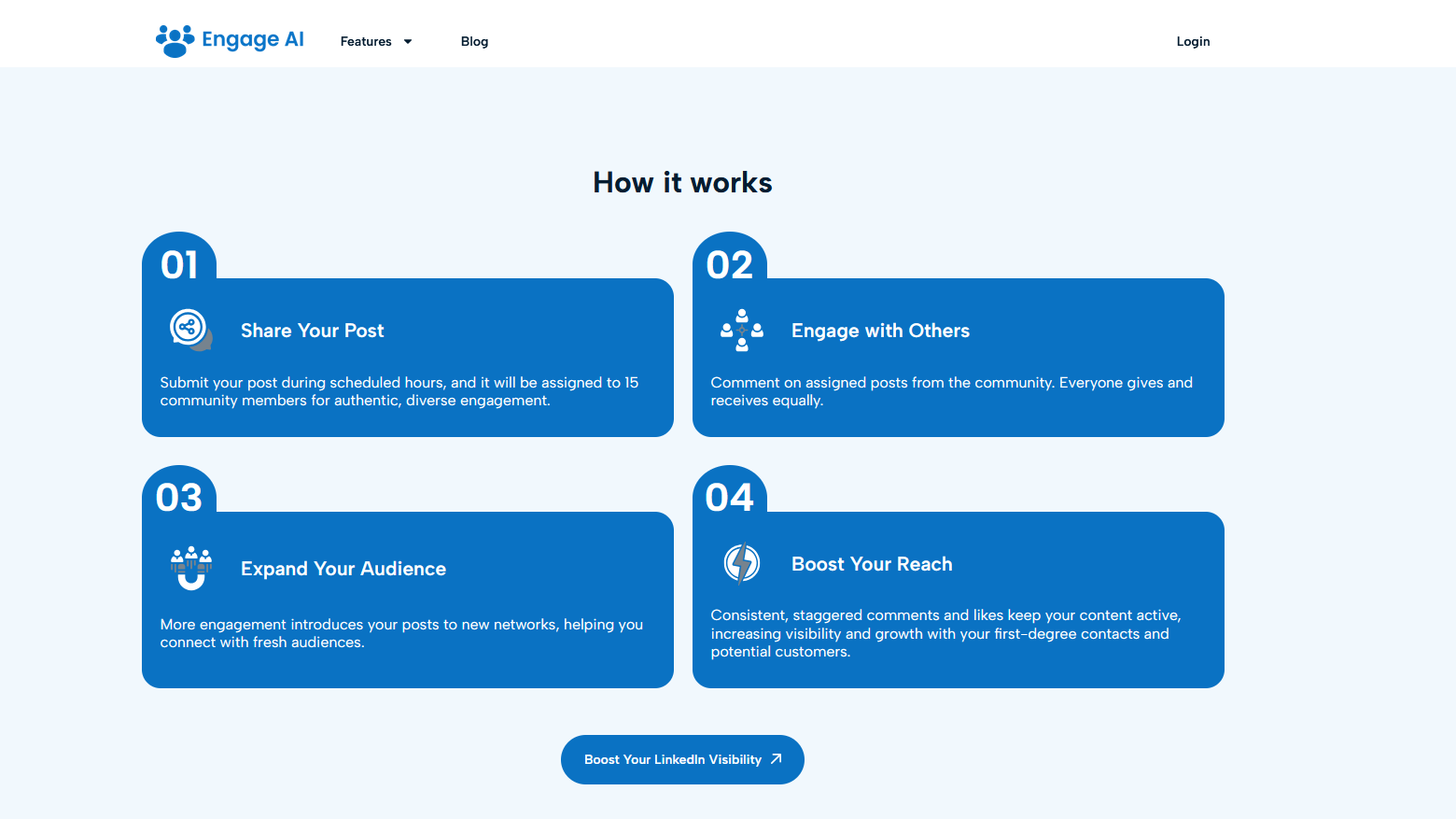
Long-Term Memory, The most distinctive feature. Engage AI memorizes your interaction history with each prospect: past comments, topics discussed, tone used. Result: every new comment accounts for what’s already been said, avoiding repetition and reinforcing relationship coherence over time.
Social Signal Tracking, The tool identifies intent signals: when a prospect posts about a key topic, changes jobs or interacts with your network. These signals let you step in at the right moment with the right message, not just when you remember to.
Human-in-the-loop, Engage AI never auto-publishes. You read, edit if needed, post yourself. It’s a deliberate choice: the tool stays an assistant, not a bot. This positioning respects LinkedIn’s ToS and maintains the perceived authenticity of interactions.
2026 Engage AI pricing: Free plan and paid plans
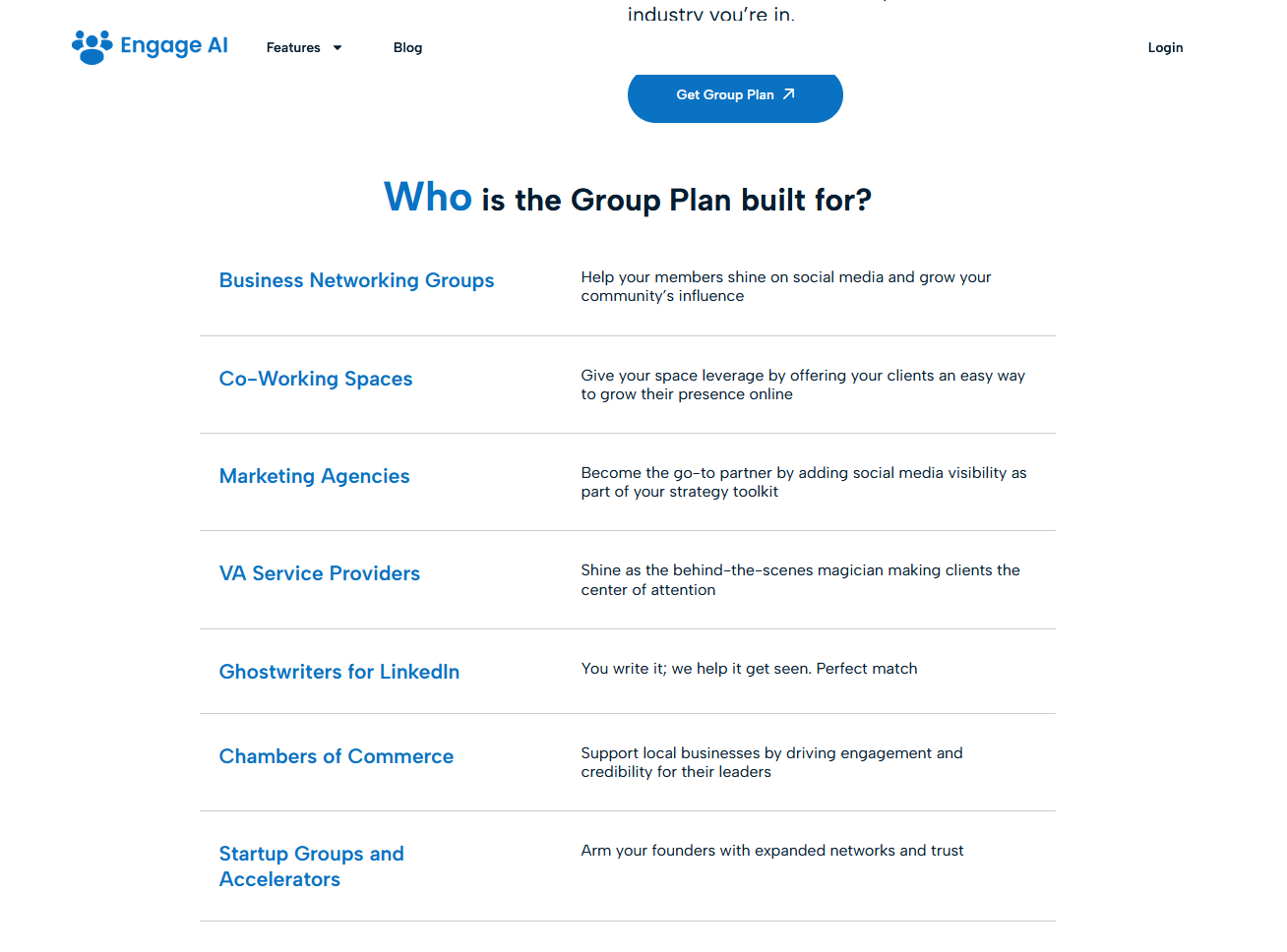
Engage AI stands out with a genuinely usable Free plan, not a 7-day trial requiring a credit card. The Free plan includes unlimited AI comments, 3 custom tones and monitoring of 10 prospects with weekly updates. It’s enough to seriously test the tool and start seeing LinkedIn results.
The paid plans (Pro and Elite) unlock more monitored prospects, more frequent alerts, Long-Term Memory, advanced Social Signals and priority support. A complete 14-day trial is available with no credit card, and a 30-day guarantee applies after purchase. A 10 to 30% discount is available on annual billing. For larger organizations, Engage AI is also available via Microsoft AppSource and Azure Marketplace.
✅ What the Free plan really includes
Unlimited AI comments (GPT + Gemini), 3 custom tones, monitoring of 10 prospects with weekly alerts. No credit card required. The tool doesn’t cut off comment access at the end of Free, you stay operational. It’s one of the most generous free plans in its category.
For exact paid plan pricing, always check the official page at engage-ai.co/pricing, prices can change.
What Engage AI does well, and less well
✅ Engage AI strengths
- LinkedIn specialization, Unlike generalist tools, Engage AI is built for a single platform and goal: B2B prospecting via comments. This focus translates to quality clearly above versatile solutions
- Long-Term Memory, The memory of past interactions is a unique market feature. It gives consistency and depth to every prospect relationship beyond what competitors offer
- Genuinely usable Free plan, Unlimited comments with no credit card. Rare in this category. Lets you validate the tool before any investment
- Human-in-the-loop, The tool never auto-publishes. You stay in control of every interaction. This respects LinkedIn ToS and maintains authenticity
- Native Prospect Monitoring, Knowing exactly when a prospect publishes and being first to comment is a real competitive edge in social selling
- Available on Azure/AppSource, For corporate teams already in the Microsoft ecosystem, it’s a frictionless integration
❌ Engage AI limits
- LinkedIn only, No Twitter/X, Facebook, Instagram or other network integration. If your prospecting is multi-channel, you’ll need to complement with other tools
- No LinkedIn post creation, Engage AI generates comments, not original posts. To write your own LinkedIn content, you need a complementary tool (Taplio, Shield, etc.)
- No SEO tool, Zero connection with SEO, article writing or web content production. Not its mission, but worth noting
- Variable quality on certain tones, Some users report generated comments can still sound “AI” on highly technical or niche topics. Post-editing remains useful
- Mobile not supported, The extension works only on desktop browsers (Chrome, Edge). No mobile app, limiting smartphone use
- English interface, Despite multilingual comment support, the admin interface is English-only in 2026
Engage AI vs Taplio vs Merlin AI: the comparison that matters
Three radically different positionings. Engage AI is the LinkedIn comment specialist; Taplio is the complete LinkedIn personal-branding platform; Merlin AI is the multi-model generalist assistant. The right choice depends on your priority.
| Criterion | Engage AI | Taplio | Merlin AI |
|---|---|---|---|
| Entry price | Free | ~$49/month | Free / $9.50/month |
| Main focus | LinkedIn comments | Full personal branding | Generalist productivity |
| Prospect Monitoring | ✅ Specialized | ✅ | ❌ |
| Post scheduling | ❌ | ✅ | ❌ |
| Long-Term Memory | ✅ | ❌ | ❌ |
| Multi-platform | LinkedIn only | LinkedIn only | ✅ Everywhere |
| Trial without CC | ✅ Permanent Free | 7 days | ✅ Permanent Free |
🟣 Choose Engage AI if:
You do B2B prospecting on LinkedIn and want to comment intelligently on your leads’ posts without spending hours. The tool is built for sales reps, consultants and entrepreneurs using social selling as a main acquisition channel. The Free plan is a real entry point, test for 2 weeks before paying.
✅ Choose Wisewand if:
Your priority is to produce SEO long-form content in non-English markets that ranks on Google. Engage AI doesn’t do SEO, Wisewand does. from $1.27 to $2.92 per article depending on the plan, with built-in SERP analysis and direct WordPress publishing.
🔵 Choose NeuronWriter if:
You want the best NLP + GEO semantic scoring for articles that hold their Google positions over time. The Lifetime from $179 costs about 8 months of the Bronze subscription. Nothing to do with social selling, two complementary tools.
Final verdict: is Engage AI worth it in 2026?
Engage AI is one of the rare AI tools truly specialized on a specific use case: LinkedIn social selling via comments. This focus lets it be clearly superior to generalist assistants on this mission. Long-Term Memory, Prospect Monitoring and the 9 engagement tones make Engage AI a serious tool, not a gadget.
The Free plan is honest: unlimited comments, 10 monitored prospects, no credit card required. It’s enough to validate the tool over 2 to 4 weeks before deciding to upgrade. The full 14-day trial + 30-day guarantee on the paid side removes any commitment risk.
The limit is clear: if you’re looking for an SEO writing tool, semantic scoring or article production, it’s not Engage AI. They’re two different worlds, and for non-English SEO, Wisewand and NeuronWriter remain the references.
Recommended tools by goal:
👉 See also: Merlin AI Review 2026 · Wisewand Review 2026 · Rytr Review 2026 · Copymatic Review 2026 · Best AI SEO tool 2026
FAQ, Engage AI review
Is Engage AI free?
Yes, Engage AI offers a permanent Free plan, not a time-limited trial. This plan includes unlimited AI comments, 3 custom tones and monitoring of 10 prospects with weekly alerts. No credit card required to start. For more monitored prospects and advanced features (Long-Term Memory, Social Signals, real-time alerts), paid plans are available with a complete 14-day trial.
Is Engage AI compliant with LinkedIn ToS?
Yes. Engage AI takes a “human-in-the-loop” approach: the tool never auto-publishes on LinkedIn. You read, edit if needed, and post every comment yourself. There’s no publishing automation, making it compliant with LinkedIn’s terms of service and avoiding account suspension risks.
Does Engage AI work in non-English languages?
Yes. Engage AI analyzes LinkedIn posts in their language and generates comments in the same language. If your prospect posts in French, the suggested comments will be in French. The tool’s admin interface is in English, but content generation is multilingual.
What’s the difference between Engage AI and Taplio?
Engage AI specializes in generating LinkedIn comments for B2B prospecting, with Prospect Monitoring and Long-Term Memory features. Taplio is a complete LinkedIn personal-branding platform that includes post creation and scheduling, performance analytics and a content library, but costs ~$49/month. The two tools are complementary if you need both content creation AND intelligent commenting.
Can Engage AI replace an SEO tool?
No. Engage AI is exclusively dedicated to LinkedIn and B2B prospecting via comments. It doesn’t do SERP analysis, semantic scoring, article writing or WordPress publishing. For SEO, Wisewand (from $1.27 per article) and NeuronWriter (Lifetime from $179) are the right tools.
Does Engage AI work on mobile?
No, Engage AI is a browser extension (Chrome and Edge) that works only on desktop. There’s no iOS or Android mobile app. To use the tool, you need to be on a computer with Chrome or Edge and have the extension installed.